Jitsi JVB AutoScaling on AWS/Azure/GCP
Scaling your Jitsi Meet infrastructure is essential for accommodating growing user demands and ensuring high-quality video conferencing experiences. Our Jitsi JVB (Jitsi Video Bridge) AutoScaling services leverage cloud platforms like AWS, Azure, and Google Cloud Platform (GCP) to provide a flexible, efficient, and cost-effective solution for managing video streams in real-time.
What is Jitsi JVB?
Jitsi Video Bridge (JVB) is a vital component of the Jitsi ecosystem, enabling multi-user video conferencing. As the demand for virtual meetings increases, so does the need for an infrastructure that can scale efficiently. Our AutoScaling options on AWS, Azure, and GCP guarantee that your Jitsi JVB can easily manage this increasing demand.
Why Jitsi JVB AutoScaling?
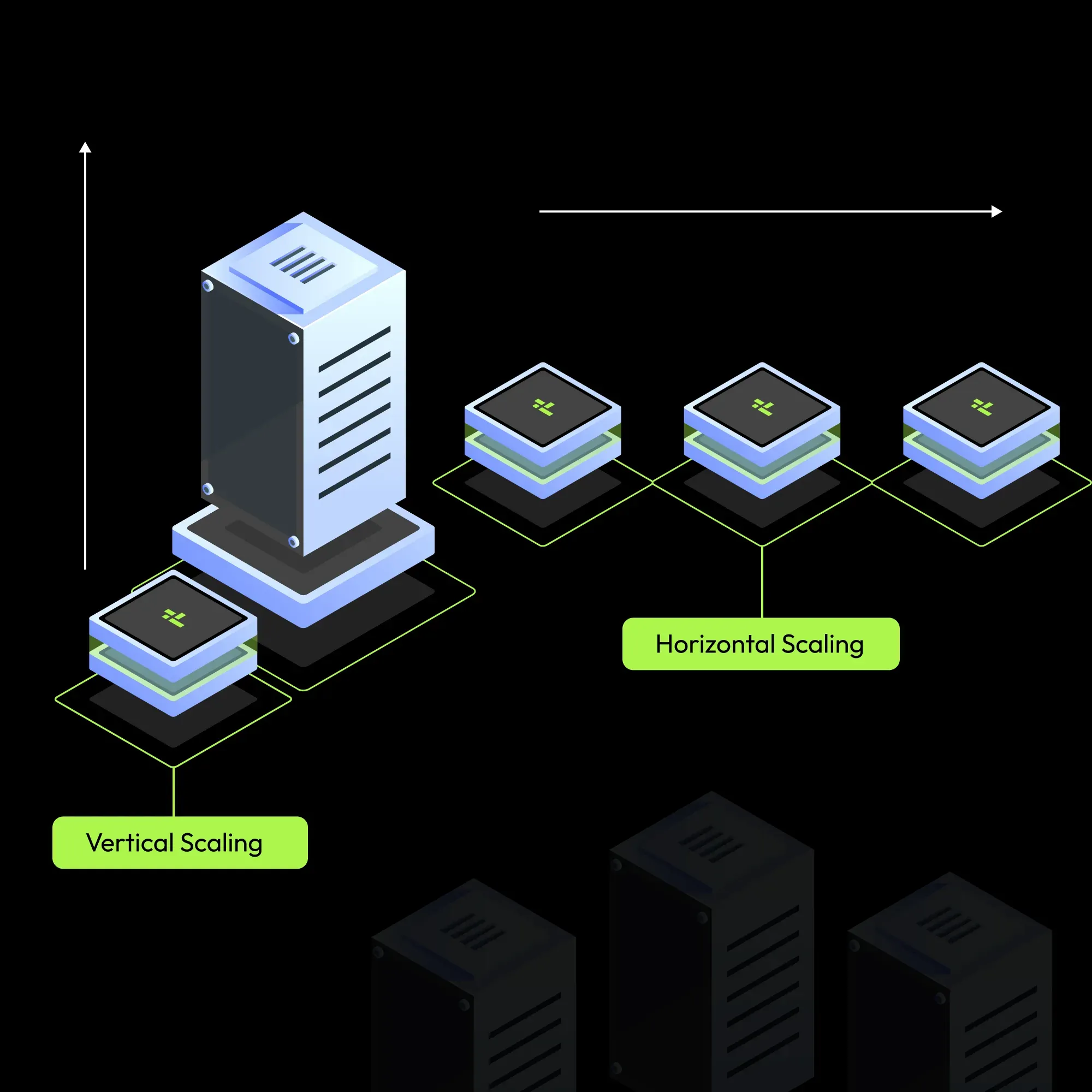
- Dynamic Resource Allocation: Automatically adjust the number of JVB instances based on real-time traffic demands. This ensures optimal performance during peak usage while minimizing costs during low-traffic periods.
- Cost Efficiency: By using resources only when necessary, you can lower operating expenses. Pay only for what you use and steer clear of wasteful spending on unused infrastructure.
- Cloud Flexibility: We support JVB AutoScaling across major cloud platforms, including AWS, GCP, Azure and Yotta. This flexibility allows you to choose the best environment for your needs while maintaining high availability.
- High Availability: Make sure that even during periods of high usage, your video conferencing services are accessible. To ensure service continuity, our solutions offer redundancy and failover capabilities.
- Seamless Integration: Easily integrate our AutoScaling services with your existing systems, minimizing disruption and downtime.
Deploy Jitsi Meet on your favorite cloud
Your all-in-one guide to Jitsi solutions, offering expert customization
The voices of our clients speak for our work.
Real feedback from our clients based on their experience working with us.
“Very good experience working with this team. They set up our Jitsi server fast and everything works smoothly. Support is also helpful.”
Amit Sharma
IT Manager“We needed a custom video meeting solution and they did it perfectly. Simple, clean, and easy to use for our team.”
Sarah Williams
Product Manager“Great service and quick response. They understood our needs and delivered on time. Happy with the result.”
Daniel Brown
Operations HeadHow to Get Jitsi Set Up for Your Business
Private, compliant video meetings. Fast setup, local data, expert support—built for business.
Tell us what you need
Fill in our contact form in 2 minutes. Tell us your team size, what features you need, and if you have a preferred cloud provider. We will handle the rest.
Takes 2 minutesWe plan your Jitsi setup
Our team reviews your requirements and sends a clear proposal within 24 hours. You will know exactly what we will build, how long it will take, and what it costs.
Reply within 24 hoursWe build and hand it over
We set up, test and deliver your ready-to-use Jitsi platform. Standard installation: 5 to 7 business days. Full custom enterprise build: 7 to 14 days.
Standard: 5 - 7 business daysFrequently Asked Questions
Answers to common questions about Jitsi JVB AutoScaling on AWS, Azure, and GCP for reliable video conferencing.
Latest Blogs
Stay updated with expert insights on Jitsi setup, integration, scaling, security, and customization. Learn how to optimize your video conferencing experience.